While password cracking and WPS setup PIN attacks get a lot of attention, social engineering attacks are by far the fastest way of obtaining a Wi-Fi password. One of the most powerful Wi-Fi social engineering attacks is Wifiphisher, a tool that blocks the internet until desperate users enter the Wi-Fi password to enable a fake router firmware update.
Social engineering attacks are powerful because they often completely bypass security. If you can trick an employee into entering a password into a fake login page, it doesn't really matter how strong the password is. This is the opposite of cracking attacks, where you're using the computer's processing power to try a giant list of passwords incredibly quickly. By nature of the way this attack works, you cannot succeed if the password you are attacking is strong and isn't included in your password list.
Not knowing how strong the password you are attacking is can be frustrating, because investing the time and processing power involved in a brute-force attack can make coming up dry feel like a huge waste of resources. Instead, tools like Wifiphisher ask questions about the people behind those networks. Does the average user know what their Wi-Fi router's login page looks like? Would they notice if it was different? More importantly, would a busy user, cut off from the internet and stressed out but the disruption, still enter their password to enable a fake update even if they noticed the login page looked a little different?
Wifiphisher believes the answer is "yes." To test that theory, the tool is capable of selecting any nearby Wi-Fi network, de-authenticating all users (jamming it), and creating a clone access point that requires no password to join. Any user joining the evil twin-like open network is served a convincing-looking phishing page demanding the Wi-Fi password to enable a firmware update, which is explained as the reason the Wi-Fi has stopped working.
The Firmware Update from Hell
To the target of a social engineering attack, the first signs of Wifiphisher look like a problem with the router. First, the Wi-Fi cuts out. They can still see the network, but every attempt to connect to it immediately fails. Other devices are unable to connect to the network as well, and they begin to notice that not just one device, but every Wi-Fi device, has lost connection to the network.
That's when they notice a new network, with the same name as the old network, but requiring no password. After a few more attempts to join the protected network, they join the open network out of concern that their router is suddenly broadcasting a network without a password that anyone can join. As soon as they join, an official-looking webpage mentioning their router's manufacturer opens and informs them that the router is undergoing a critical firmware update. Until they enter the password to apply the update, the internet will not work.
After entering the super-secure Wi-Fi password, a loading screen begins to crawl across the screen as the router restarts, and they feel a little proud for taking their router's security seriously by installing this critical update. After a minute of waiting, their devices reconnect to the network, now more secure thanks to the update installed.
Easy Access with a Bossy Update
To a hacker, obtaining the passwords is as simple as selecting which network you want to target. After designating a target, Wifiphisher immediately jams all devices connected to the network, maximizing the chance that someone connected to the network gets frustrated and applies the fake update. Next, the target's network information is cloned, and the fake Wi-Fi network is broadcast to make the target think their router is operating in some sort of unspecified update model
Devices connecting are immediately logged on a list of connected target, and the phishing page is tailored to match the manufacturer of the router by reading the first portion of the router's MAC address. After tricking any one of the targets connected to the targeted network into entering the password, Wifiphisher informs the hacker while stalling for time. After sending the captured password, the target is cruelly occupied with both a fake update loading screen and fake reboot timer to buy time for the hacker to test the captured password.
What You'll Need
For this attack to work, you'll need a Kali Linux compatible wireless network adapter. If you're not sure about which to pick, check out one of our guides on selecting one that supports monitor mode and packet injection in the link below
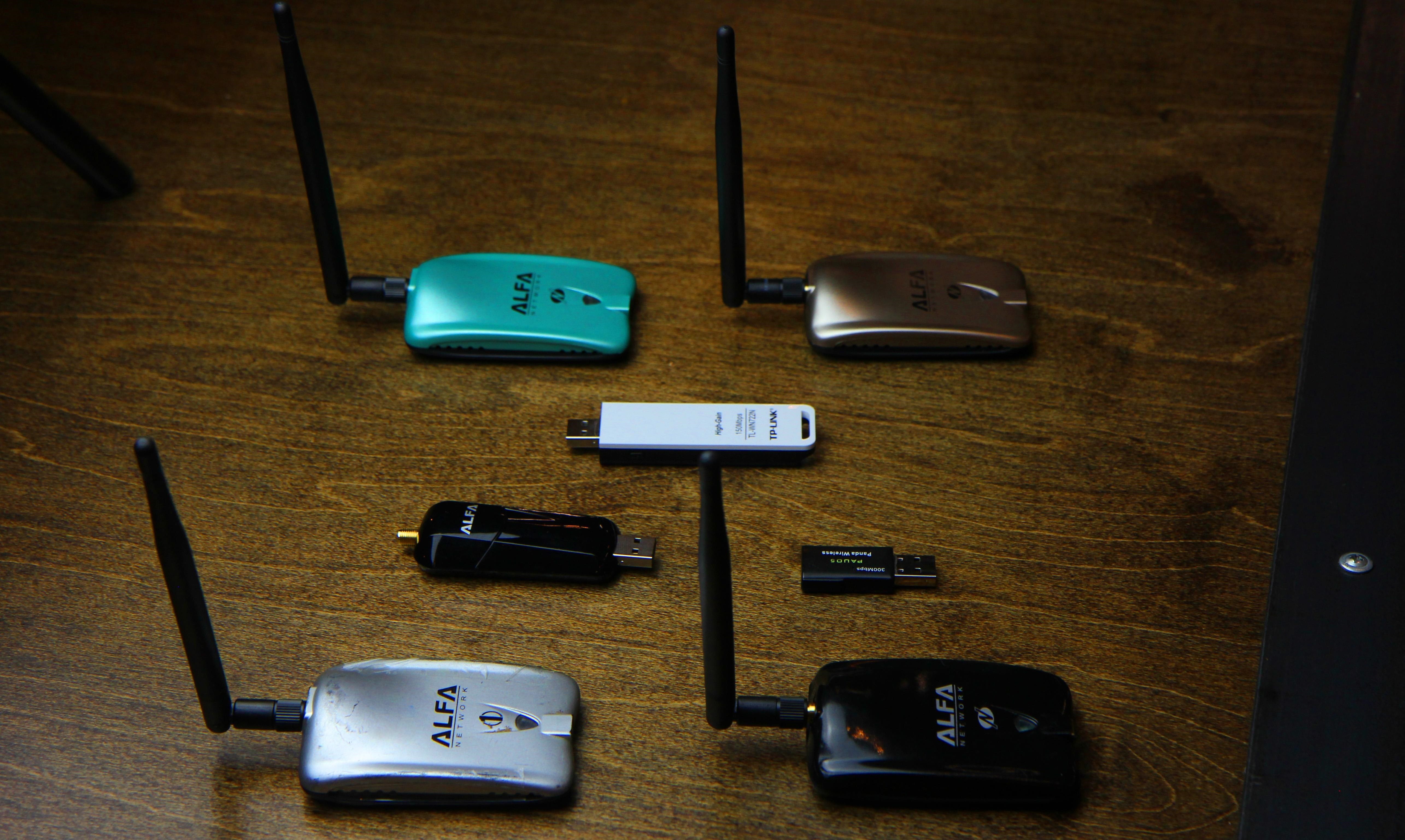
Aside from a good wireless network adapter, you'll need a computer running Kali Linux, which you should first update by running apt update and apt upgrade. If you don't do this, you will very likely run into problems during the Wifiphisher installation process below.
Step 1Install Wifiphisher
To get started, we can open a terminal window and type apt install wifiphisher to install Wifiphisher.
If you want to try installing it from the GitHub repo, you can do so by cloning the repository and following the instructions on the GitHub page, as such:
repository and following the instructions on the GitHub page, as such:
This should install Wifiphisher, which you can start by just typing the name of the program in a terminal window from now on.
Step 2Review Wifiphisher's Flags
You should be able to run the script at any time by simply typing sudo wifiphisherin a terminal window. While Wifiphisher has no manual page, you can see in its --help page that it has a pretty impressive list of configuration options you can change by adding various flags to the command.
Step 3Plug in Your Wireless Network Adapter
Now is the time to prepare the wireless network adapter by plugging it in. Wifiphisher will put your card into wireless monitor mode for you if you don't do so yourself.
Step 4Run the Script
I'm going to use my USB wireless network adapter, so I'll add an -i flag to the command and add the name of my network adapter. If I don't, Wifiphisher will just grab whatever network adapter it can
To start the script, I'll run the following command.
Afterward, we should see a page showing every nearby network. We can select which network we want to attack here, and press Enter.

Next, the script will ask what attack you want to run. Select option 2.

After selecting the attack, it will immediately launch. A page will open to monitor for targets joining the network. Wifiphisher will also listen for devices trying to connect to networks that aren't present, and it will create fake versions to lure those devices into connecting.

After a target joins, a pop-up will demand they enter the password.

When the target enters the password, we're notified in the Wifiphisher screen.

That's it! The script will exit and present you with the password you just captured.
Just like that, you've bypassed any password security and tricked a user into entering the Wi-Fi password into your fake network. Even worse, they're still stuck behind this horrible slow-moving, fake loading screen.

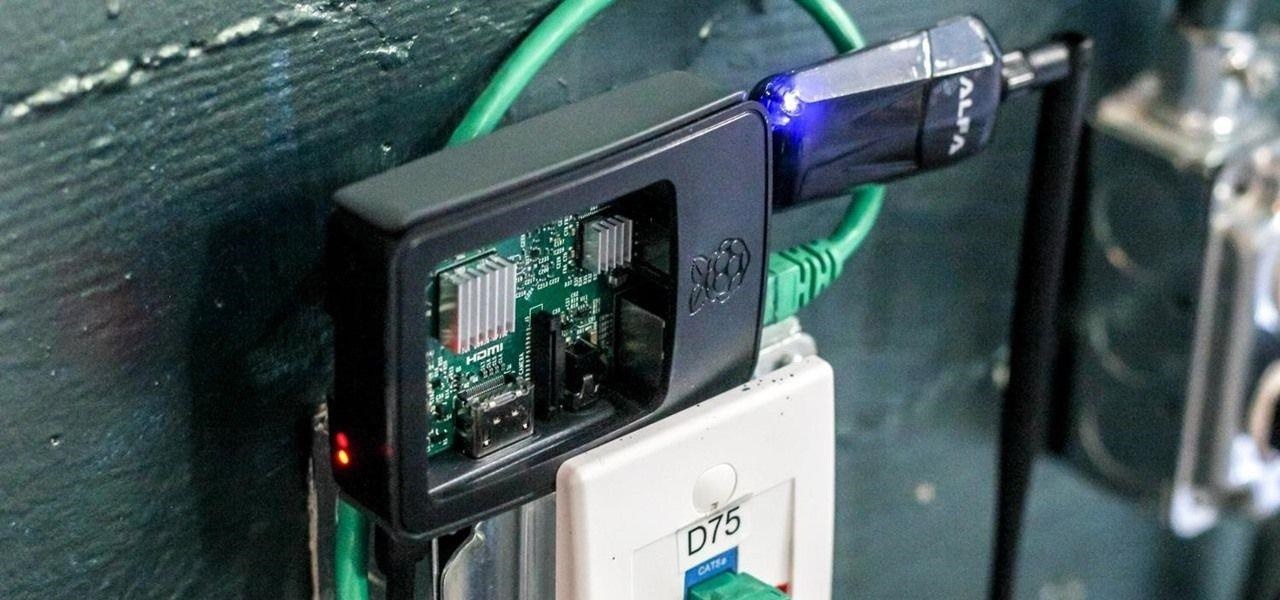
If you're looking for a cheap, handy platform to get started working with Wifipfisher, check out our Kali Linux Raspberry Pi build using the $35 Raspberry Pi.